Create role with permissions
First we create the permission via configurePermission:
const studentPermisionId = getNewUuid();
await configurePermission(studentPermisionId, "EditStudent");
Then we create the role via upsertRole:
const role: Role = {
    id: getNewUuid(),
    name: "ClassPresident",
    level: permissionLevels.ten,
};
await upsertRole(role);
Next we use the function createRoleToPermissionIfNotExist:
await createRoleToPermissionIfNotExist(role.id, [studentPermisionId]);
Checking for permissions
On frontend
checkAndNotifyCrudPermission — checks only explicit permissions and shows a notification if the user does not have access. The first argument specifies which CRUD action you want to verify:
checkAndNotifyCrudPermission(crudActions.create, resourceMeta, student);
In some cases you might want to use a less resctrictive permission checker. For that, examine checkAndNotifyCrudPermissionLessResctrictive function
On backend
getPermissionCheckConfig — creates a configuration object for a specific user, resource metadata, and resource data. hasPermissionByPermissionCheckConfig — checks permissions based on a prepared config:
const permissionConfig = getPermissionCheckConfig(userId, resourceMeta, student);
const hasPermission = await hasPermissionByPermissionCheckConfig(permissionConfig);
console.log(hasPermission); //false
hasPermissionByUserId — checks whether a user has permission to perform a given CRUD action on a resource:
const hasPermission = await hasPermissionByUserId("Student", crudActions.create, userId);
console.log(hasPermission); //false
Add custom permission checks
If you want to perform custom permission check you can add @permissionCheckerFor decorator:
const customChecker: ResourcePermissionChecker = async (
  student,
  userId,
  action
) => {
  return userId === userIds.timWId;
};

@permissionCheckerFor("Student", customChecker)
@resourceId("d4507481-8b33-46e7-9c2e-606daab170cc")
export class Student extends WorkspaceResource {...}
In this example only user timW will be able to modify this resource.
Add role to a user
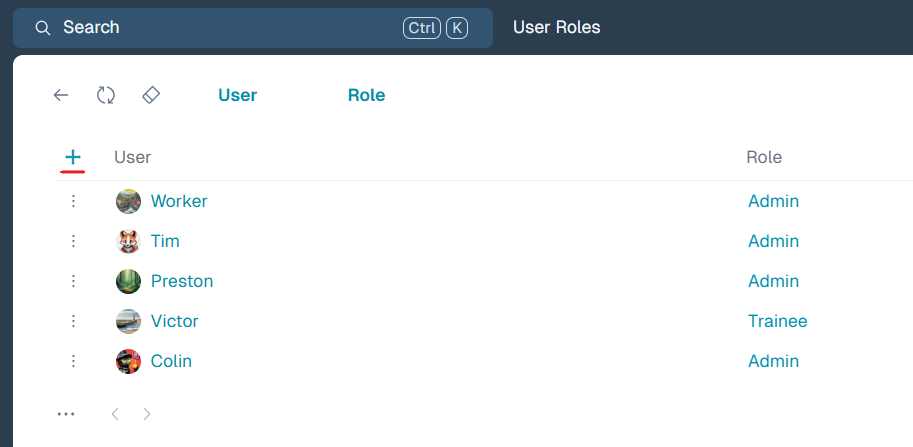
To assign a new role to a user, open UserRole menu and click + button:
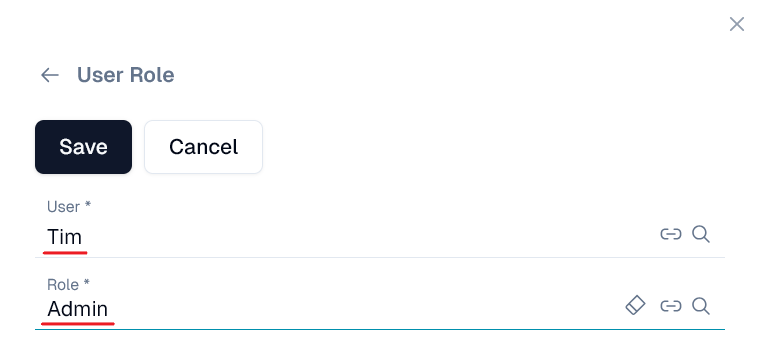
In the User field, select the user you want to assign a role to. Then, in the Role field, choose the role you want to give. Finally click Save to apply the changes:
Assign role to permission
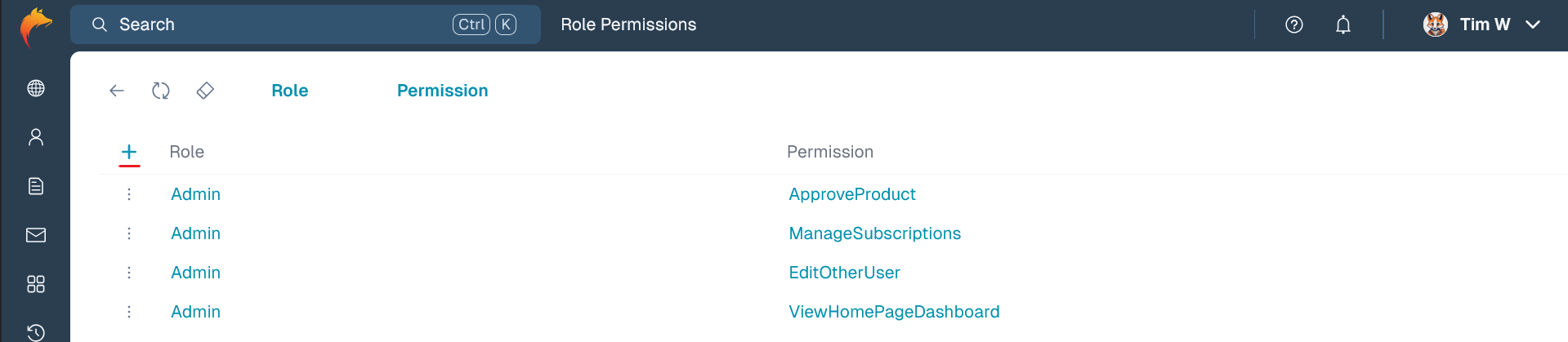
To assign permissions to a role, open the RoleToPermission menu and click the + button:
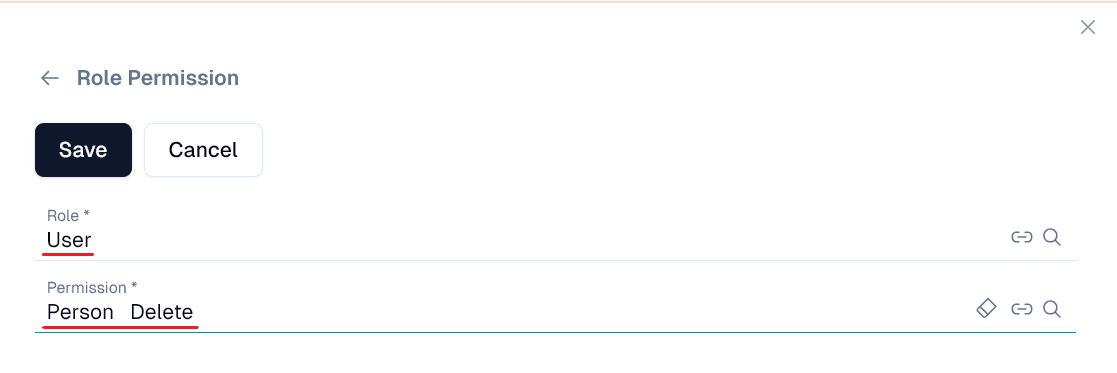
In the Role field, select the role you want to assign. Then, in the Permission field, choose the permission you want to give. Finally, click Save to confirm: